What's on the Portal?
Below are several screen shots of the portal and accounting system. This should give you a good idea of what you'll see when you sign up with Freedom Property Management.
Logging-in
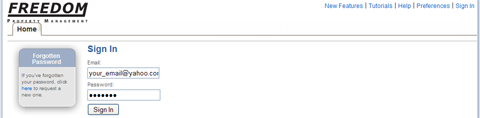
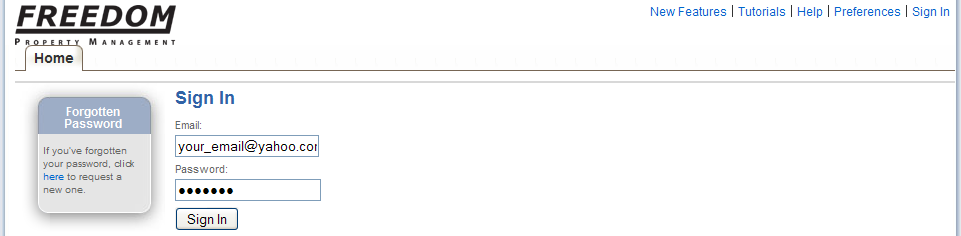
The log-in screen for the on-line portal is clean and simple with a way for you to automatically re-set your password if you forget. Your email will be your user name. (Click each photo to enlarge)
Financials
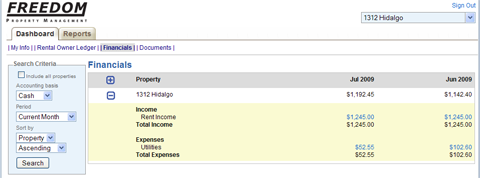
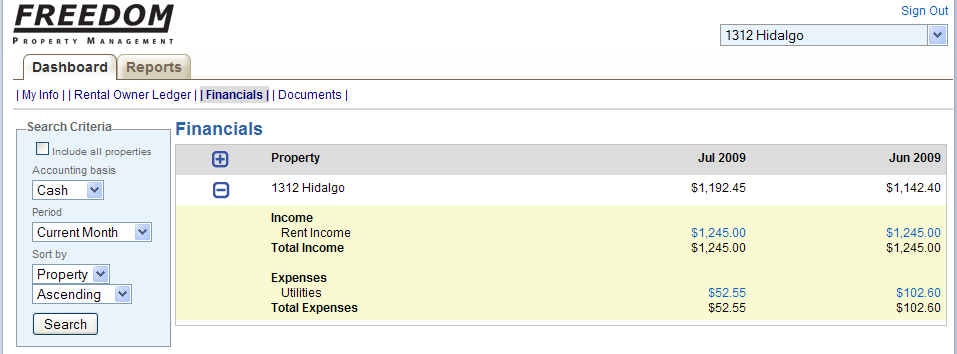
Once you've logged onto the system you can see each of your individual properties under management and the most recent transactions. You can choose to look at each one individually or all of them grouped together at one time. Below is the Financials section which shows the most recent two months of transactions. You can run reports for the last quarter, year to date etc. To drill down on the Revenue or Expense items you just click the active link. The next screen shot will show a drill down.
Financials Drill Down
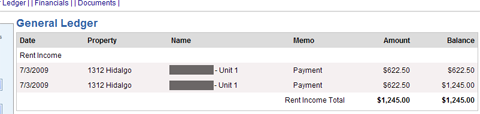
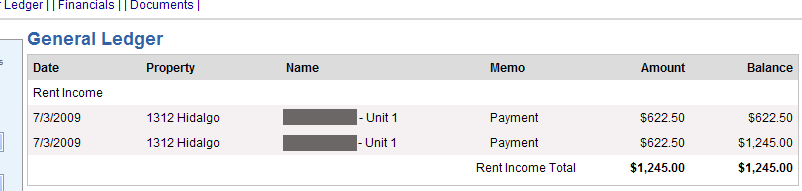
Once you click the link to drill down into Revenues or Expenses you'll get a screen like the one shown below. We can see that there were two checks on this rental that made up the gross rent amount of $1245. The tenant names have been greyed out to protect their privacy but you would normally see the tenants that occupy your unit. In this view we also see the balance and the date the check was entered into the system.
My Info
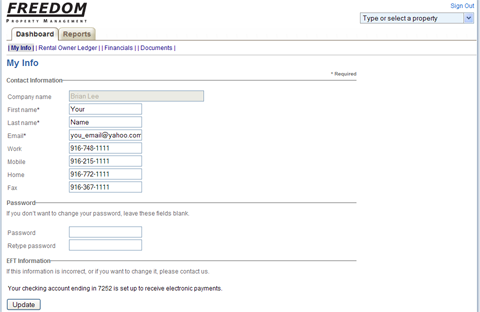
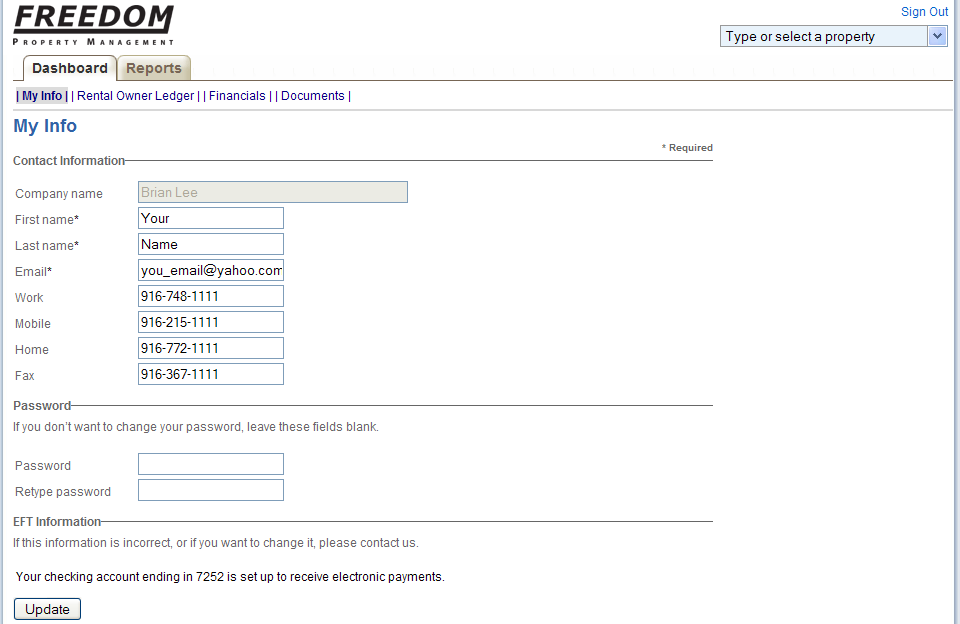
The My Info tab allows you to update your email address, phone numbers or other contact information. You can also reset your password from here if you like. Additionally, you can see that this account is already set up for EFT which stands for Electronic Funds Transfer. This functions the same way direct deposit works if you have that feature from your employer. This feature allows Freedom Property Management to disperse funds faster and saves you the hassel of a trip to the bank every month.
Documents
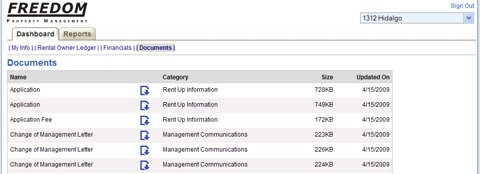
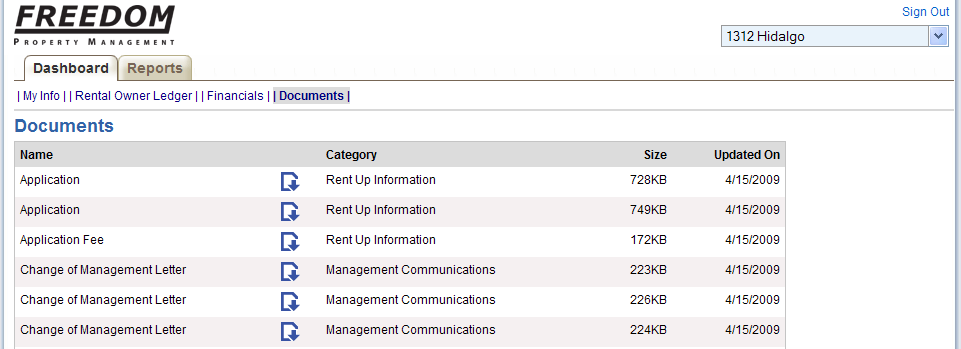
Any and all documents that concern the property are stored in the online system. Leases, photos, communication letters, work order requests, applications, move-in/move-out worksheets etc. are all scanned and stored for the owner to view, print or reference. When each document is uploaded it can be shared with both the tenant and the owner or just one or niether. All of this is available at any time from anywhere in the world.
Reports
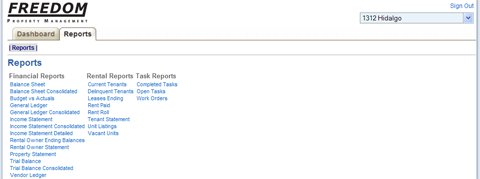
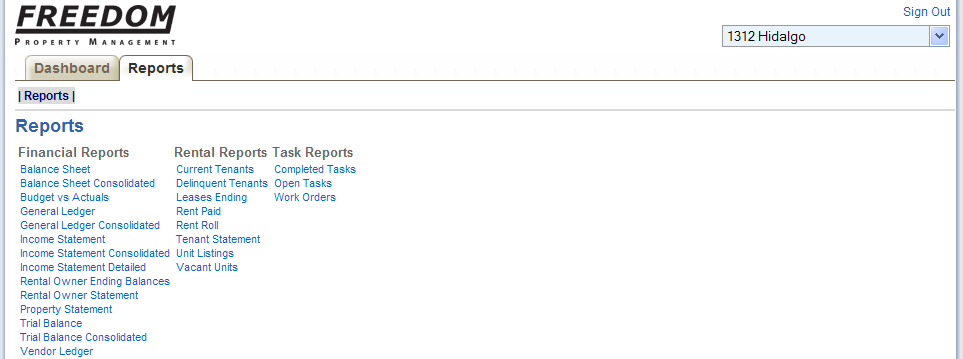
Your reports page as an owner will look something like what's shown below (you won't see as many options). After the screen shot image I've included a couple of sample reports. The reports are all genereated as PDF's instantly after you've configured how the report is to look. Alternatively you can export the data as a CSV or an Excel file.
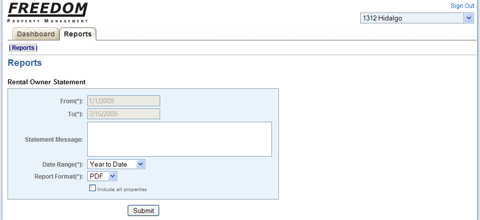
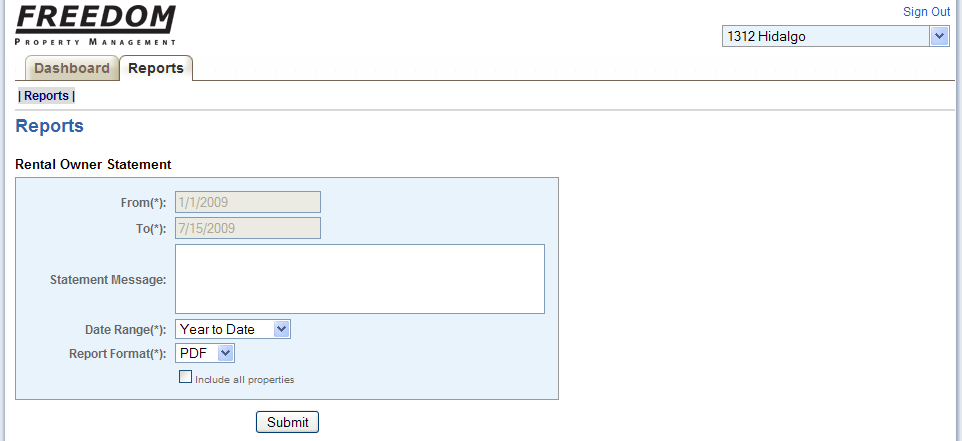
And here's a view of the report configuration screen...
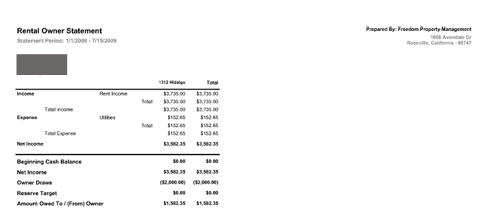
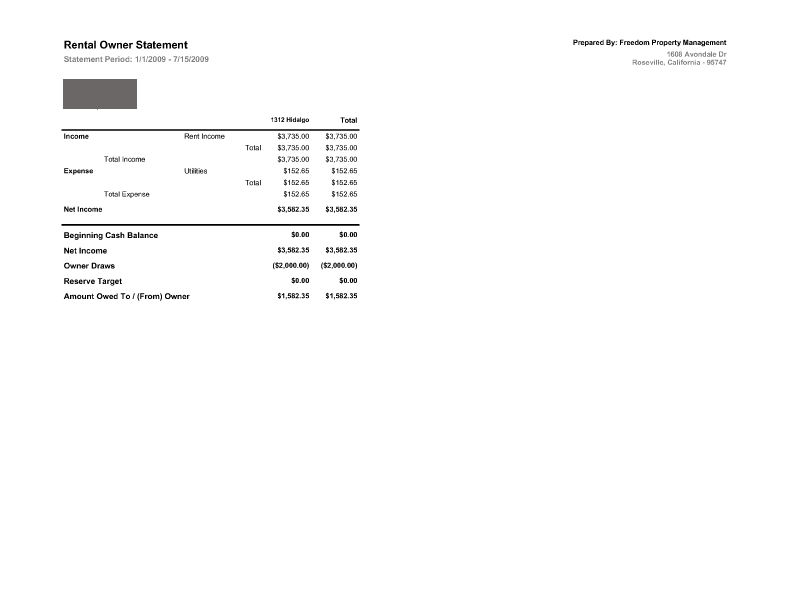
Rental Owner Statement (with owner info blocked out)...